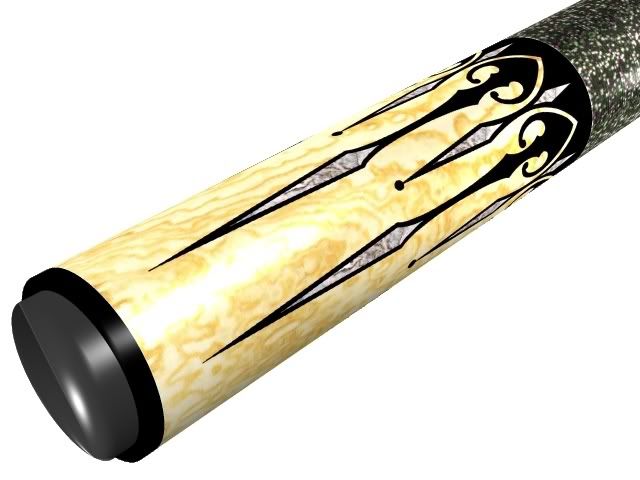
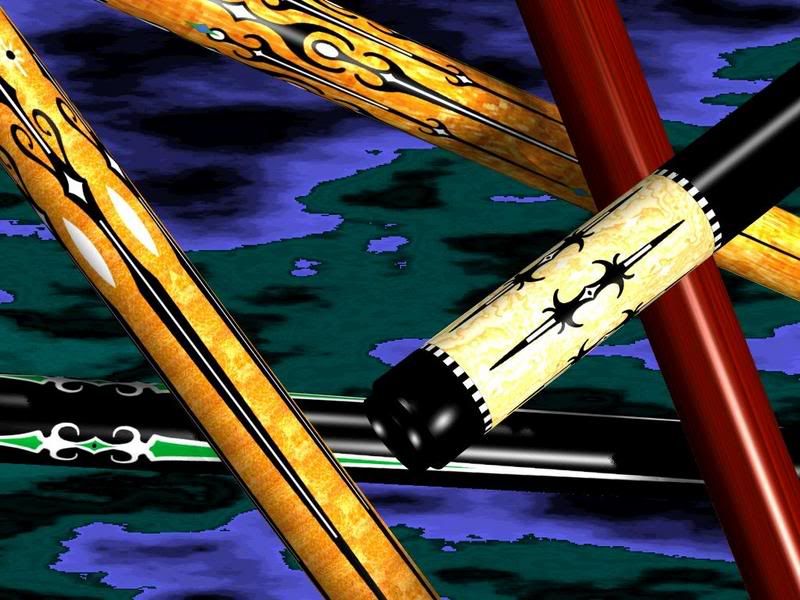
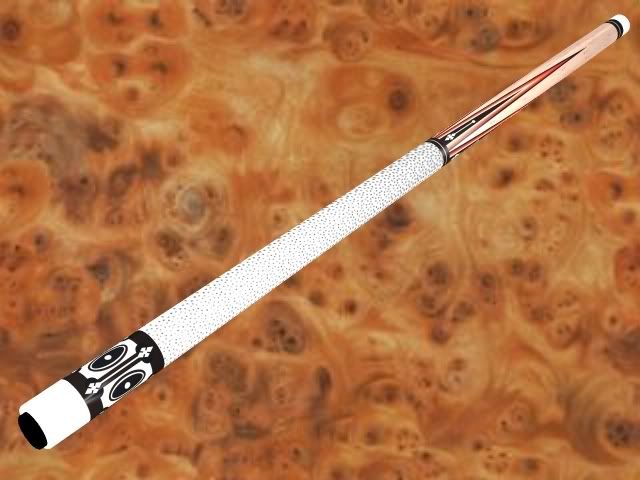
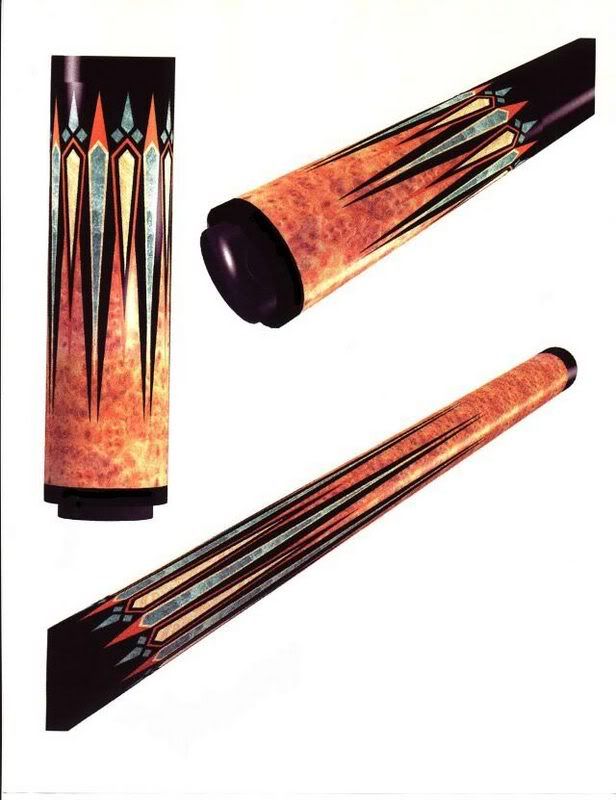
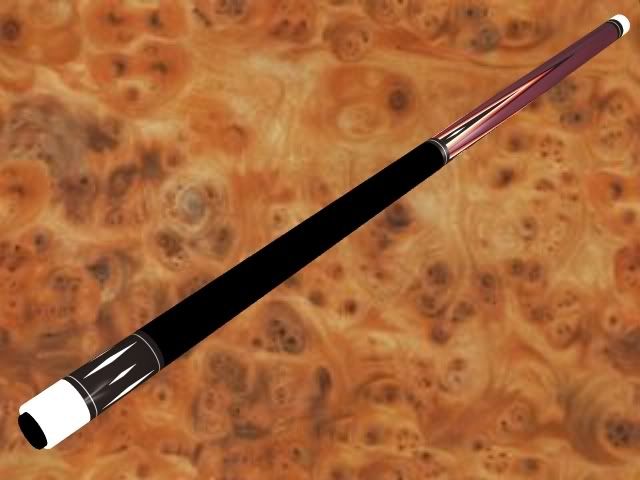
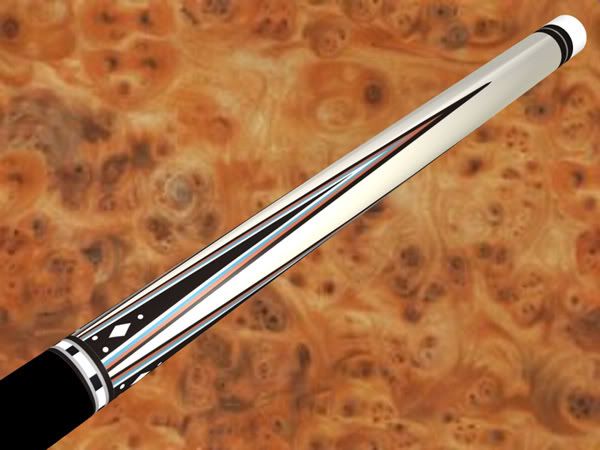
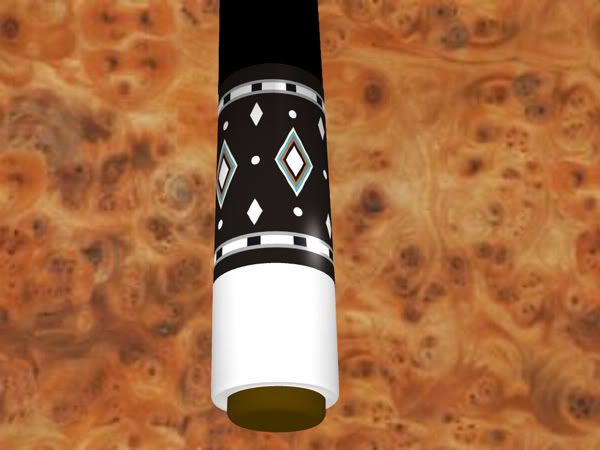
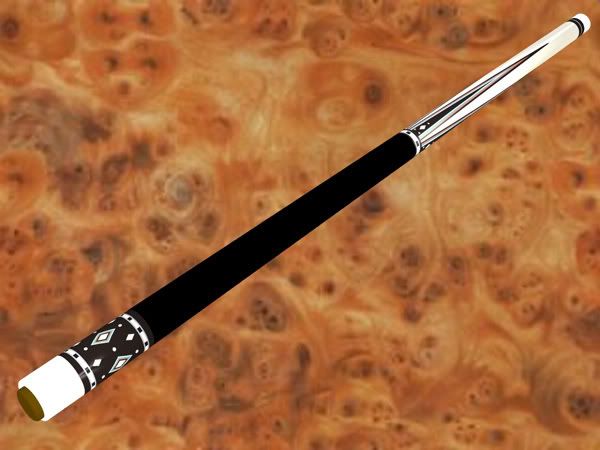
cad pics

now you just need somebody to build the cue! :)

unless of course you do that too?

looks pretty neat..

chris
 
ChrisOnline said:
now you just need somebody to build the cue! :)

unless of course you do that too?

looks pretty neat..

chris
I try to anyway:D Now if I could only build one as good as the software does.
 
WOW!!!
I really need to learn 3D!
My crappy jagged line 2D CAD images make me sick now.
VERY well done CC!

Jon
 
Jon said:
WOW!!!
I really need to learn 3D!
My crappy jagged line 2D CAD images make me sick now.
VERY well done CC!

Jon
Thanks Jon, The other bonus is that the newer cad is realy user friendly.
Takes no time at all to learn.
 
bruin70 said:
can you take a picture of a wood or leather(for the wrap) and import the image to the cad?
Theoretically you can use any image you want but there is a bit of an art to tiling the image so when you are covering a large area it isn't an obvious patern. This is the part which I need to learn.
http://img.photobucket.com/albums/v645/gromatic/cad pics/buttcollarcocabola.jpg
Here is an example of what it looks like if the tiling isn't done. Something like a linen wrap wouldn't be a problem though because the one pic would blend right into the other naturaly.
 
Canadian cue said:
Theoretically you can use any image you want but there is a bit of an art to tiling the image so when you are covering a large area it isn't an obvious patern. This is the part which I need to learn.
http://img.photobucket.com/albums/v645/gromatic/cad pics/buttcollarcocabola.jpg
Here is an example of what it looks like if the tiling isn't done. Something like a linen wrap wouldn't be a problem though because the one pic would blend right into the other naturaly.


how about this idea......

1...get some plain jane cue samples with different woods.

2...take full faced pics, and then rotate the cue 45 degrees until you cover the whole cue with 8 pics. of course, the more pics the better,,,,,maybe 12(30 degree turns)

3...crop the center area of each pic because you don't want to deal with the wood figuring as it turns away from you. the width of a standard "window" in a cue butt is good.

4...stitch all of the resulting crops together with them overlapping. the result would be one full flat sheet of wood for you to wrap around. if you do this precisely, there would barely be an overlap to deal with...PLUS, and this is a big plus, the overlap line would be VERTICAL which means you can hide the overlap on the UNSEEN, other side of the cue. in fact, you wouldn't even have to diddle with overlap since you can hide it. with your sample, your overlaps are horizontal, which means you must diddle with the whole overlap.

the only things you must deal with with stitching is that subtle shading differences between some of the contiguous pics. and the lighting on your cue must be perfect with no reflection no flare no haze


just a thought
 
Last edited:
actually, now that i think about it,, you'd only need to wrap your wood around HALF of the cue, wouldn't you:)
 
bruin70 said:
actually, now that i think about it,, you'd only need to wrap your wood around HALF of the cue, wouldn't you:)
Thank you for the suggestions bruin, the photo editing is another area which I need to explore. I am doing ok editing regular pics but blending multiple images I am not familiar with. The big problem is when covering a long piece you have to blend the tiles top an bottom as well as side to side.
 
you overlapping vertical strips side to side. so you don't have to blend top and bottom because they get cropped by the wrap and buttplate....and you ONLY have to blend if the two adjacent pics don't match...and probably the only thing that wouldn't match would be one being lighter than the other(which would be really tough to blend it's actually easier to blend grain markings the light/dark changes.
 
Canadian cue said:
Thank you for the suggestions bruin, the photo editing is another area which I need to explore.''' an bottom as well as side to side.


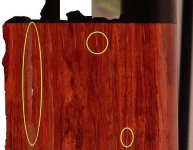
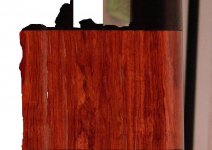
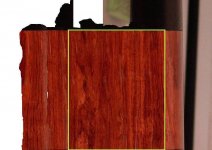
i did a bubinga sample just cuz i had nothing else to do. final1 is unedited,,,final2 i eliminated some hilites at the top.

one very important thing that needs to be done.....you should somehow mark the wood incrimentally. i found many times i would lose my place and the butt rings(not shown) saved my @ss.

everything else is as i expected...you need good, EVEN lighting or else it simply becomes a pain in the @ss to edit out reflections. flare/glare lighting is the worst thing to deal with because you end up with what is shown on the left and editing that out is totally ridiculous. when you select a section try to find a marking on the wood that is identifiable to mark yourself. i selected all the section by freehand,,,,i think this is an easier way to hide their edges. in fact, i DID NOT blend edges at all when i stitched them together. so the problem confronting me was not the edges(except for the one on the left), but the hilites from poor lighting.

when you shoot your wood, do it in a dark room, dark background, wear dark clothes. i guess you could always go to a shop that has finished exotic wood samples and just shoot those, but where's the fun in that:)
 

Attachments

  • final1.jpg
    final1.jpg
    59.7 KB · Views: 167
  • final2.jpg
    final2.jpg
    60 KB · Views: 117
Last edited:
bruin70 said:
i did a bubinga sample just cuz i had nothing else to do. final1 is unedited,,,final2 i eliminated some hilites at the top.

one very important thing that needs to be done.....you should somehow mark the wood incrimentally. i found many times i would lose my place and the butt rings(not shown) saved my @ss.

everything else is as i expected...you need good, EVEN lighting or else it simply becomes a pain in the @ss to edit out reflections. flare/glare lighting is the worst thing to deal with because you end up with what is shown on the left and editing that out is totally ridiculous. when you select a section try to find a marking on the wood that is identifiable to mark yourself. i selected all the section by freehand,,,,i think this is an easier way to hide their edges. in fact, i DID NOT blend edges at all when i stitched them together. so the problem confronting me was not the edges(except for the one on the left), but the hilites from poor lighting.

when you shoot your wood, do it in a dark room, dark background, wear dark clothes. i guess you could always go to a shop that has finished exotic wood samples and just shoot those, but where's the fun in that:)
I croped and flipped your pic and imported into the program and this is the final result. Thanks for all the good advice.
http://img.photobucket.com/albums/v645/gromatic/simplecuebubinga.jpg
 

Attachments

  • final2redo.jpg
    final2redo.jpg
    62.8 KB · Views: 184
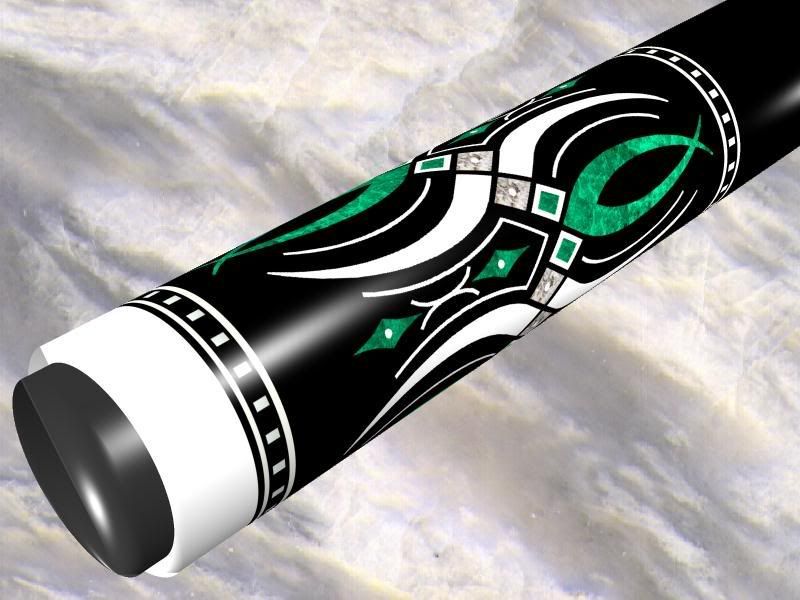
i use a very simple program called Simply 3D. i create the flat layout in Corel Draw complete with textures and the wrap them around the cylinder elements of the cue. i reposition the camera around the cue and save those positions to see different angles. i can make things look photo realistic if i wanted to adjust the lighting and surfaces of the cylinders with more reflective and refractive properties but i only use it to get a general idea of a design. here are some samples:

115but.jpg


P100but.jpg


Masters6.jpg


Caro6.jpg


JoseySpikeweb.jpg


Mikecue1.jpg


MYTASCFweb.jpg


MYTASCBweb1.jpg


Mytasc3web.jpg
 
Back
Top