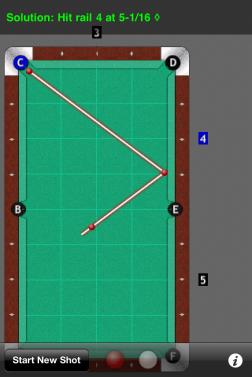
Having selected Basic Bank Shot you will be taken to this screen. Touch and drag the table under the cross hairs and position the cross hairs where t

  • 0 Comments
From hear simply touch the number by the rail you wish to bank the shot off of, "4". Notice the number will turn blue in when selected.

  • 0 Comments
After touching the number of the rail you wish to bank off of simply touch the pocket you wish to play the shot into and the shot will be displayed.

  • 0 Comments
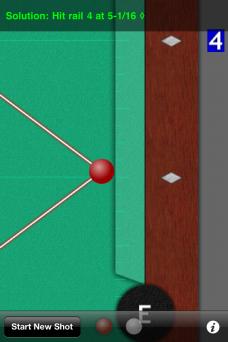
The diamonds have been divided into increments of 1/8th of one diamond. The counter can be set to count 1/16th of one diamond in the options screen.

  • 0 Comments

Note the point on the rail the BSC calculates is the point of contact. Where the ball must make contact with the rail. This is not your aim point.

  • 0 Comments
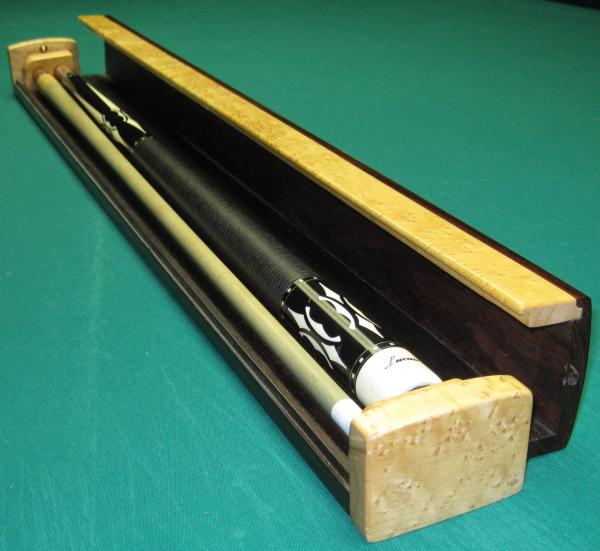
open side diagonal view

  • 0 Comments

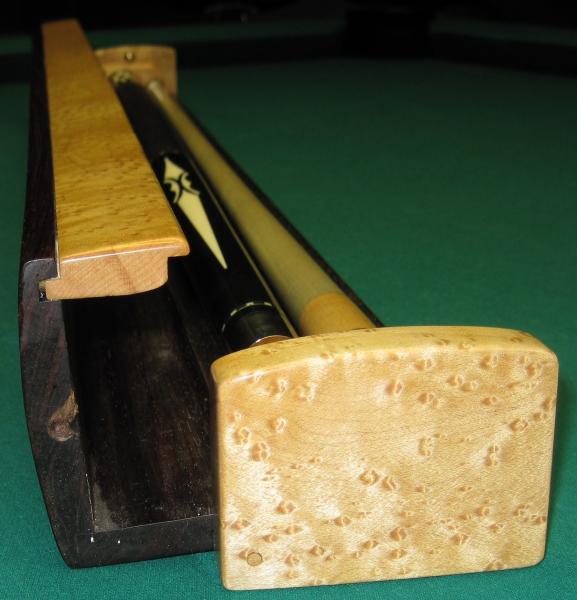
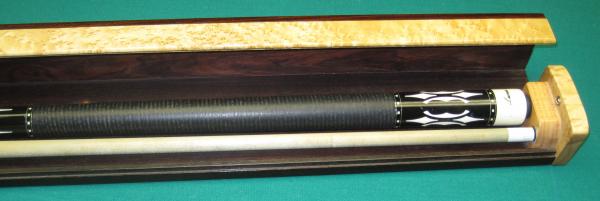
open view from left side

  • 0 Comments

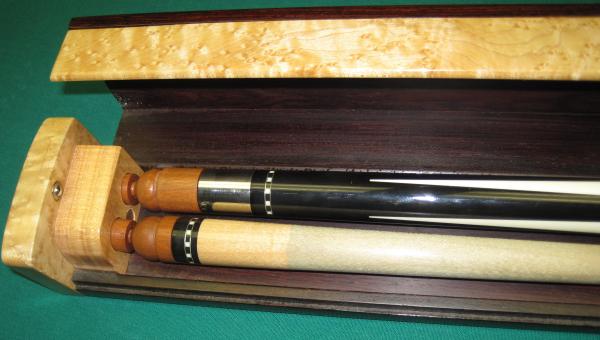
open front view of left end

  • 0 Comments

open front view of right end

  • 0 Comments

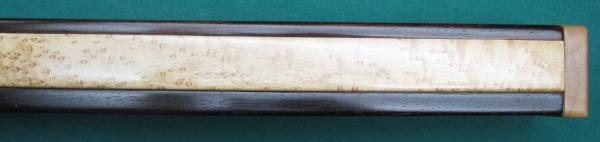
close front view of right end

  • 0 Comments

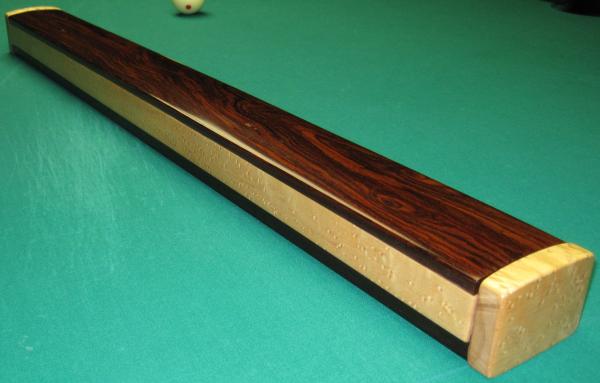
closed diagonal view

  • 0 Comments

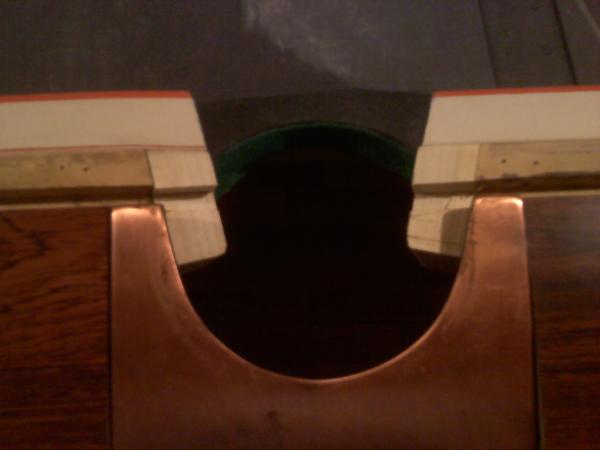
side pocket with rail extensions -after modification

  • 0 Comments

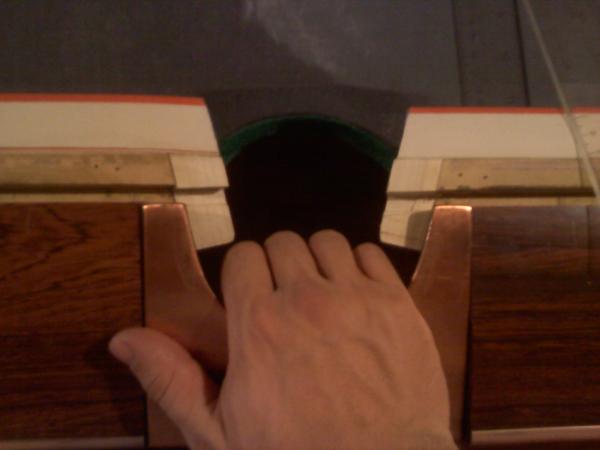
side pocket with rail extensions -before modification - I can't fit my hand in the pocket!

  • 0 Comments

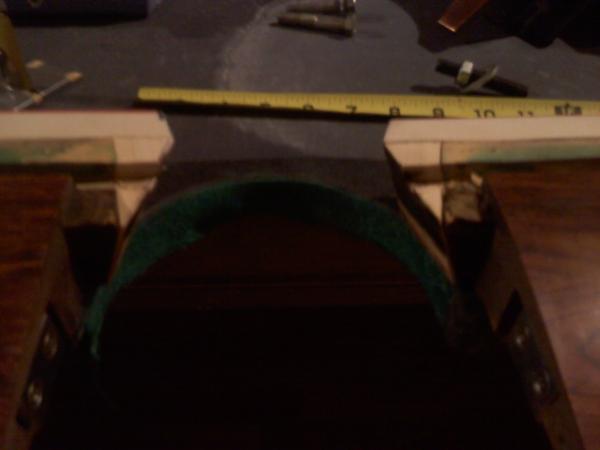
side pocket with rail extensions -before modification

  • 0 Comments

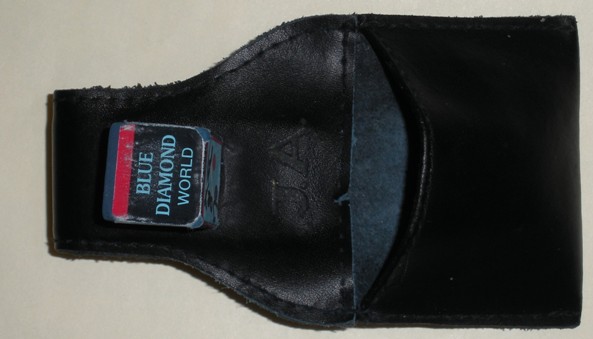
JoeyA Leather Chalk Pouch

  • 0 Comments

john's iphone 064

  • 0 Comments

john's iphone 103

  • 0 Comments

Vulture

  • 0 Comments

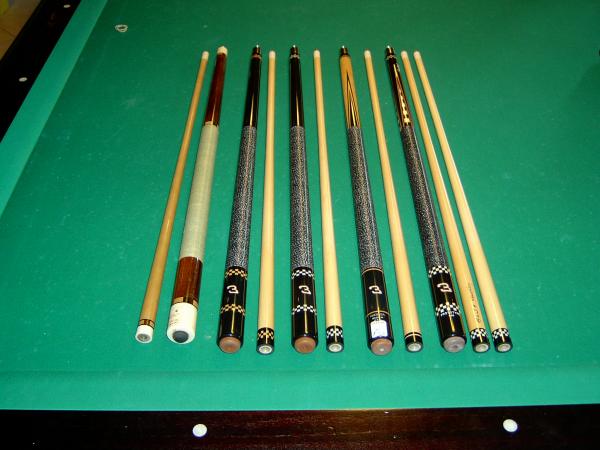
DH Action Racing Cues Prototypes

  • 0 Comments

"Zone Pool" Card Game Set

  • 0 Comments

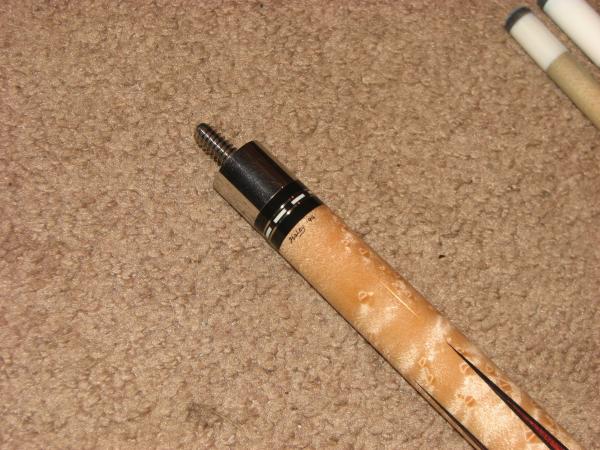
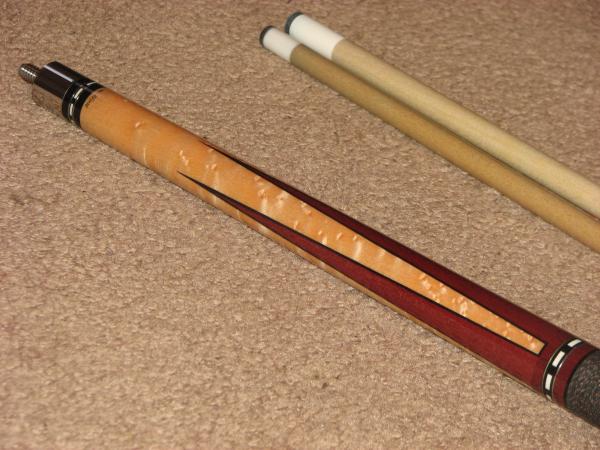
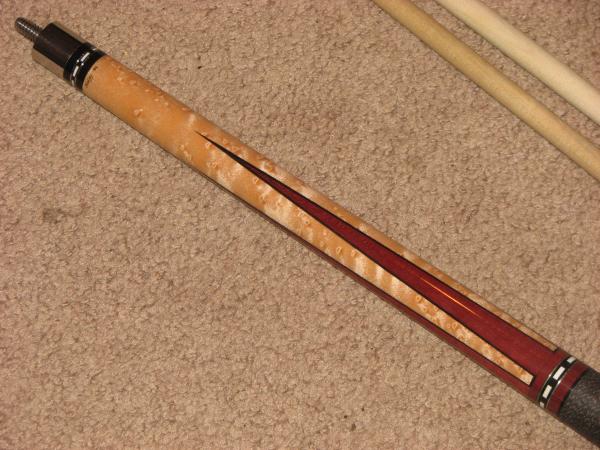
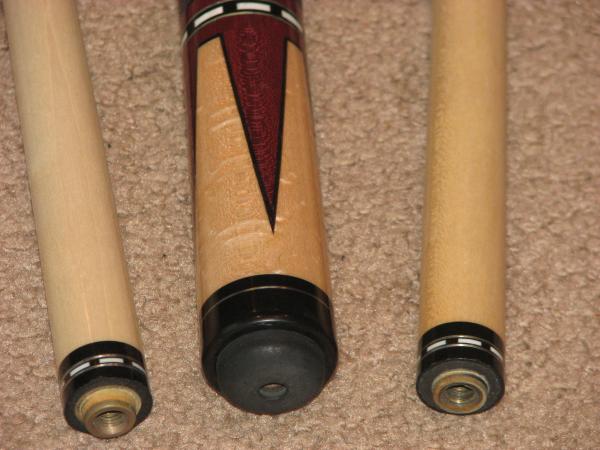
ronhaleycue 007

  • 0 Comments

ronhaleycue 005

  • 0 Comments

ronhaleycue 004

  • 0 Comments

ronhaleycue 003

  • 0 Comments

ronhaleycue 002

  • 0 Comments

Filter

No filters available.
Back
Top