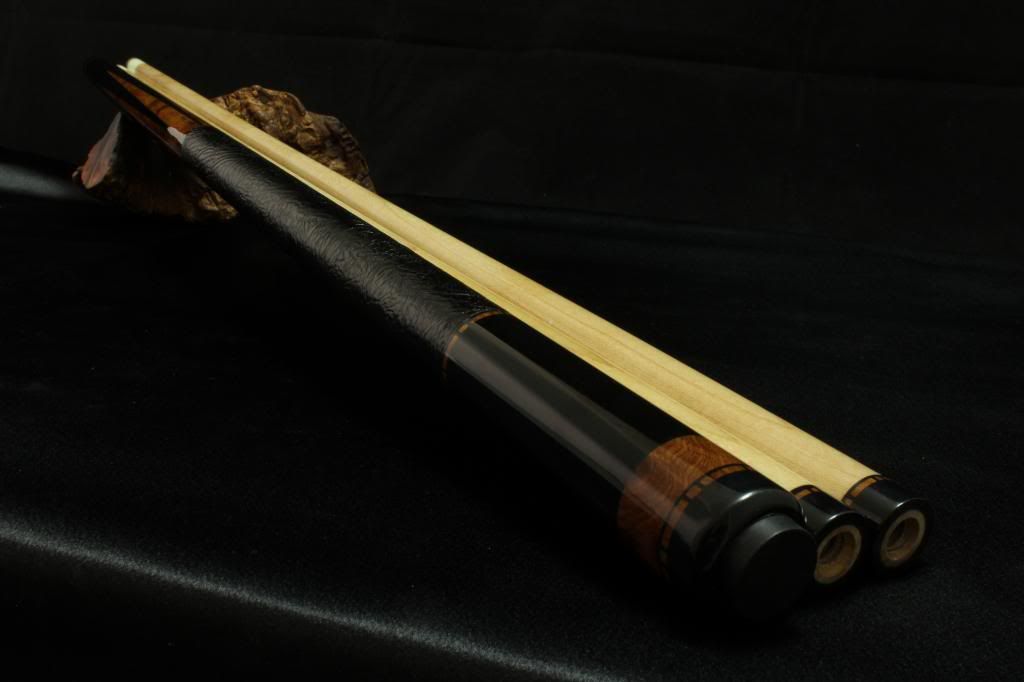
photographing pool cues

mortuarymike-nv

mortuarymike-nv
Silver Member
I have been studying photography. Here are a couple pics that I think turned out ok.
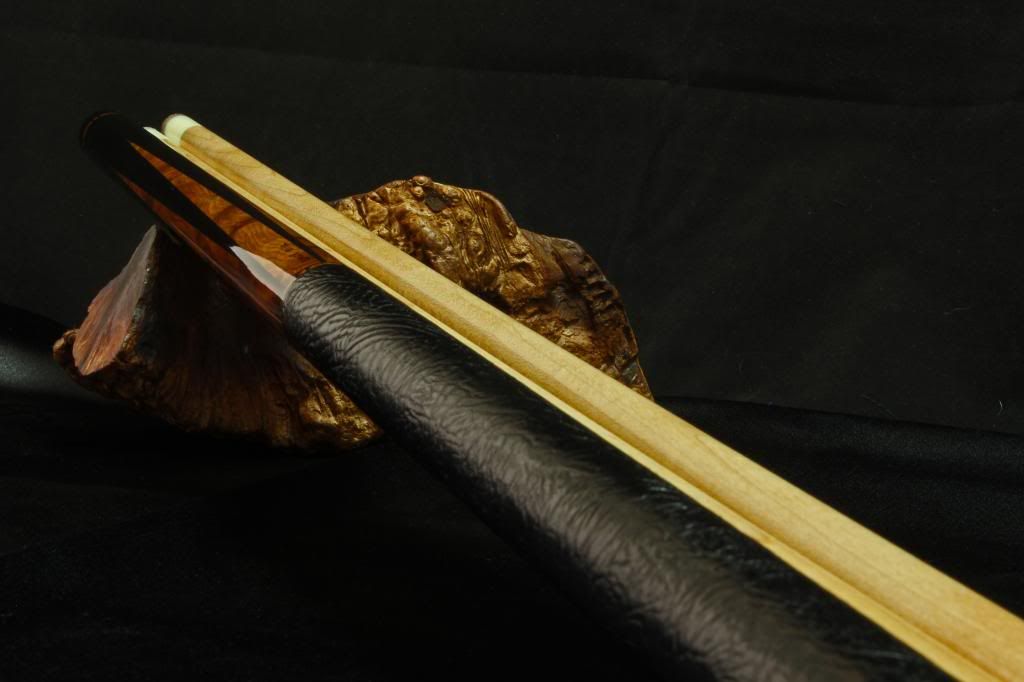
IMG_0220_1_zps254fab03.jpg

IMG_0218_zps7592dc07.jpg


MMike
 
lighting

Not bad at all.

Helpful Link :

Three point video lighting tutorial

BTW, I've admired every Coker I've seen you post. Beautiful cues !


Rhahe100
thank you.

3 pt studio lighting.
Yes my light kit is very close to the one in the video except mine has a few more bulbs, I have a 3300w 3 pt cowboy studio lighting kit.

Also shooting inside large photo cube.

Glare is a real problem, any light will produce glare at a certain angle.
Not that I know what I am doing . Just having some fun.


GoldCrown

thank you . I have about 2500 pictures that really didnt do the cues justis at all.
MMike
 
Another suggestion would be to find a neutral contrasting color for your background. The cue wrap and couch (?) are too close in color to give good definition to the subject (Cue). Hope that helps !
 
dogs

Nice work Mike.
At 3300 Watts, are you sure that you aren't growing any pool cues as well?
my lighting system came up missing for a while,
and my dogs had a funny look on their faces , what do think terry?
a989.jpg

I think they are holding out on me.


Rhale100.
that was taken with one 65w flo bulb defused twice , one soft box and the photo cube.
I have tried alot of different methods, you are right indirect light or very defused light.

I want to do a photogragh of a cue on fire :D

RRfireblade
I agree defused light

Thank you

MMike
 
MM,

Good to see the tenting I suggested way way early in your 'photo 101' thread is working out now. Using reflectors could also help soften the light along with the diffusers. The reflectors could also aid in creating definition of your subject when shooting dark on dark. It would be similar to shooting "black glass." Another option could possibly be the use of umbrellas to soften the lighting. Just some more thoughts for you.
 
There are definitely some color balance issues evident now that you've mentioned using flourescent bulbs. Also, the photos are a bit under exposed.
 
There are definitely some color balance issues evident now that you've mentioned using flourescent bulbs. Also, the photos are a bit under exposed.

Most of that can be fixed with a photo editor (Photoshop ie.). Gimp is a good freeware option.
 
Last edited:
Another suggestion would be to find a neutral contrasting color for your background. The cue wrap and couch (?) are too close in color to give good definition to the subject (Cue). Hope that helps !

Hi Rhale
I have tried red white, grey,green maroon,
I was a little cool on this one.
IMG_3691firstcrop_edpic2.jpg

IMG_4610.jpg

IMG_4607.jpg

mmike
 
shot glass

Fire-1.jpg

a "VERY" quick example :cool:

Not all these pictures where taken for product photography. some of the pictures I made to be a form of art.

I am going to fill 2 or 3 shot glasses full of alcohol .try to use a fast shutter speed .
IMG_4361.jpg
.

What I really need help with is picture stacking. I have lightroom 4
I was going to download magic lantern . so i can start to picture stacking.

wontonny
There are definitely some color balance issues evident now that you've mentioned using flourescent bulbs. Also, the photos are a bit under exposed.

The 11 day time balance flourescent bulbs were provided in my studio lighting kit . with custom white balance , iso 100 f25 30 second shutter speed.

http://www.amazon.com/gp/product/B0..._m=ATVPDKIKX0DER&pf_rd_r=1SC77HAVFG7ZS2J9AKRN

I have photo shop too. plus the canon software to work on raw files.
I would like to thank everyone who has helped me. And all the suggestions.


MMike
 
Last edited:
Back
Top