I would like to add some images to my post. How do I do this? The images are currently on my hard drive. How many pics can I add at one time? What file size should they be? When I click on the link that says "Insert Image" it is asking me to enter the URL of my image. Not sure what this means. Any help will be greatly appreciated.

You are using an out of date browser. It may not display this or other websites correctly.
You should upgrade or use an alternative browser.
You should upgrade or use an alternative browser.
How do I add an image to my post?
- Thread starter shakey91929
- Start date
Secaucus Fats
Banned
After you left click on "Post Reply" or "New Thread", click on the "paper clip" icon right next to the smiley and a "manage attachments" box will appear. It will offer you two choices, "upload file from your computer", and/or, "upload file from URL". The box will also list all of the types of files that you can attach and the max file size. If a picture file is too big you can compress it with Microsoft Office picture manager or any other picture resizing/compression software.
Last edited:


If the pic doesn't upload it is probably due to the file size.
If you need to re-size a pic, make a copy of it and re-size the copy so you still have the picture in it's original form.
Also, preview your post first to make sure the pic isn't too big, so that readers don't have to scroll left to right to see the whole thing.
If you need to re-size a pic, make a copy of it and re-size the copy so you still have the picture in it's original form.
Also, preview your post first to make sure the pic isn't too big, so that readers don't have to scroll left to right to see the whole thing.

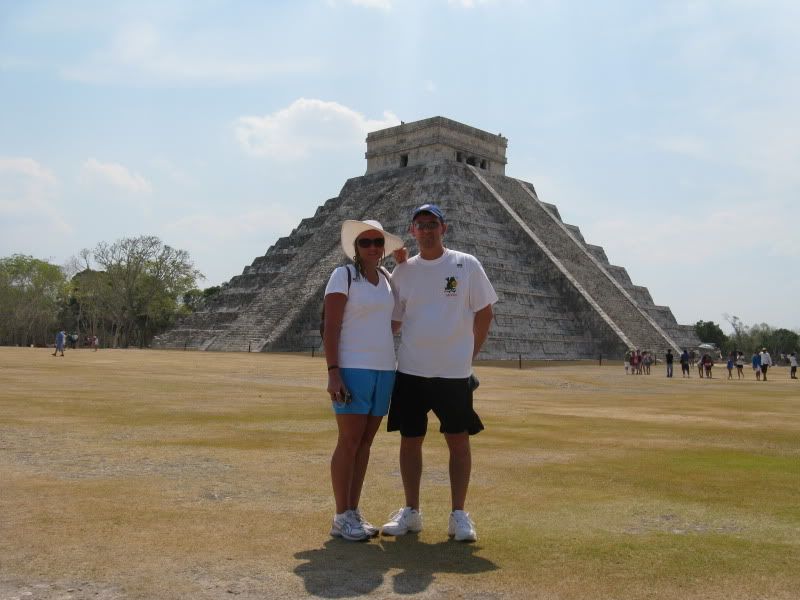
You can also use a site called photobucket. You upload your images to their site and they create a html code to use on forums that sizes the picture for you. All you have to do is copy the line of code at the top of the picture on their site and paste it into your message post on the forum. the pic bellow is a example,
After you left click on "Post Reply" or "New Thread", click on the "paper clip" icon right next to the smiley and a "manage attachments" box will appear. It will offer you two choices, "upload file from your computer", and/or, "upload file from URL". The box will also list all of the types of files that you can attach and the max file size. If a picture file is too big you can compress it with Microsoft Office picture manager or any other picture resizing/compression software.
Thanks Fats for your help...