

I see some of you new guys are having a hard time !
(1) After you do your description of your cue hit the enter button (this brings your cursor to the beginning of a new line)
(2) The little stamp just to the right of center on the top of the thread window with the mountain in it click it .
(3) A new window will appear with a HTTP in the box . hit backspace (erase it).
(4) copy/paste your pic address in the blank window and hit Go/enter (This will put it in the body of the thread).
(5) Hit enter again ( this brings your cursor back to a new line and stacks the pic's top to bottom instead of side by side) !!
(6) repeat steps 2-5 for multi pic's
Hope this helps !!
Bill
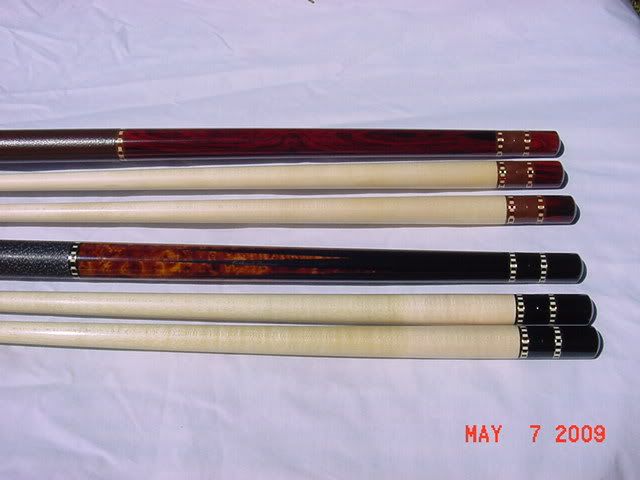

(1) After you do your description of your cue hit the enter button (this brings your cursor to the beginning of a new line)
(2) The little stamp just to the right of center on the top of the thread window with the mountain in it click it .
(3) A new window will appear with a HTTP in the box . hit backspace (erase it).
(4) copy/paste your pic address in the blank window and hit Go/enter (This will put it in the body of the thread).
(5) Hit enter again ( this brings your cursor back to a new line and stacks the pic's top to bottom instead of side by side) !!
(6) repeat steps 2-5 for multi pic's
Hope this helps !!
Bill
Last edited:


 then the link has to be closed ..... and so on and so on .... lol


