
You are using an out of date browser. It may not display this or other websites correctly.
You should upgrade or use an alternative browser.
You should upgrade or use an alternative browser.
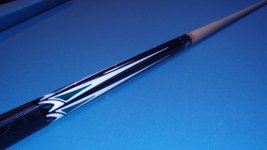
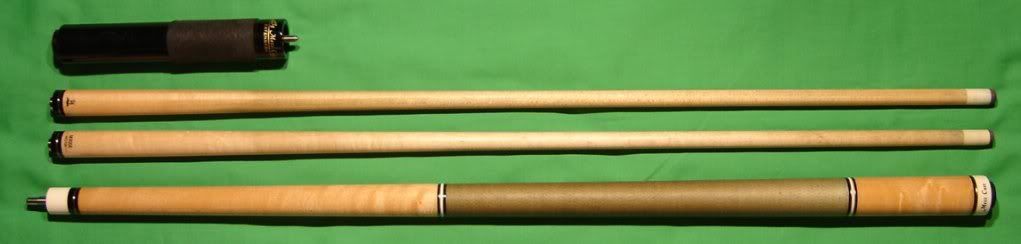
Post the photos of your Mezz Cue, please!
- Thread starter Calgaryplayer
- Start date
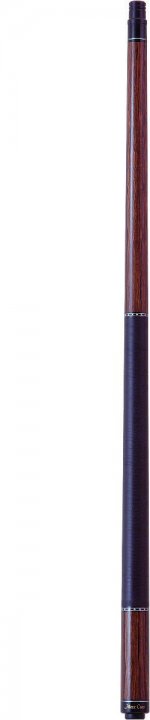
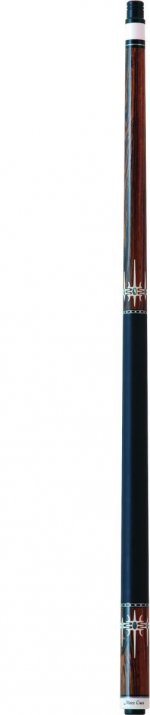
any Mezz owners here?

i'll get around to it later
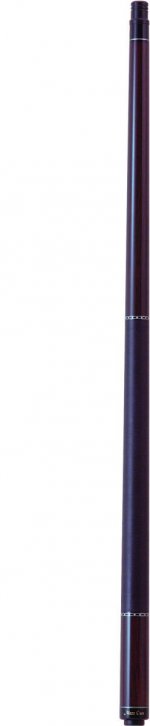
any Mezz fans?
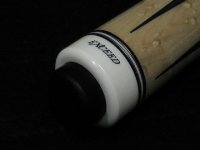
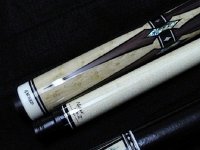
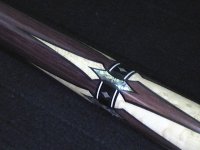
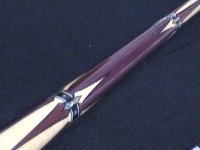
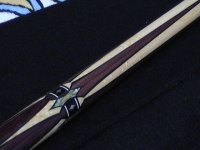
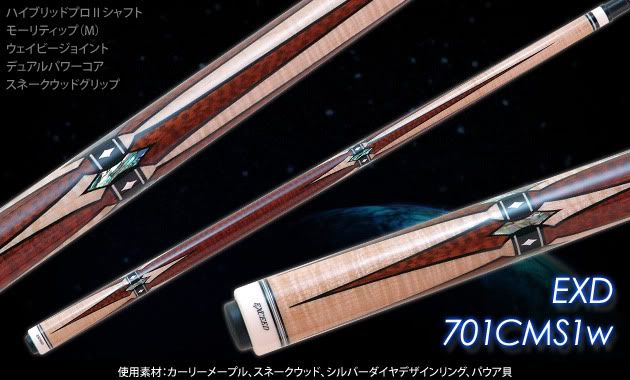
Mezz Exceed EXD 701-MP2w
Big spender! nice cue man!

Beautiful!!!!
Very nice cue Val. I love that Exceed.
This was what I was eye'ing before...
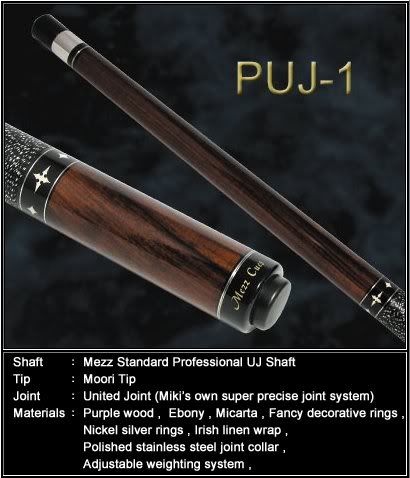
This is mine...
This is my friends' (troyroy78)...
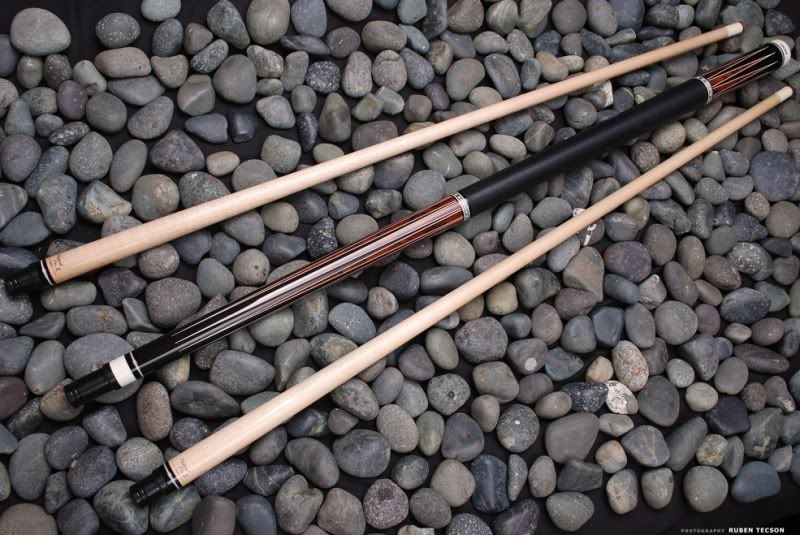
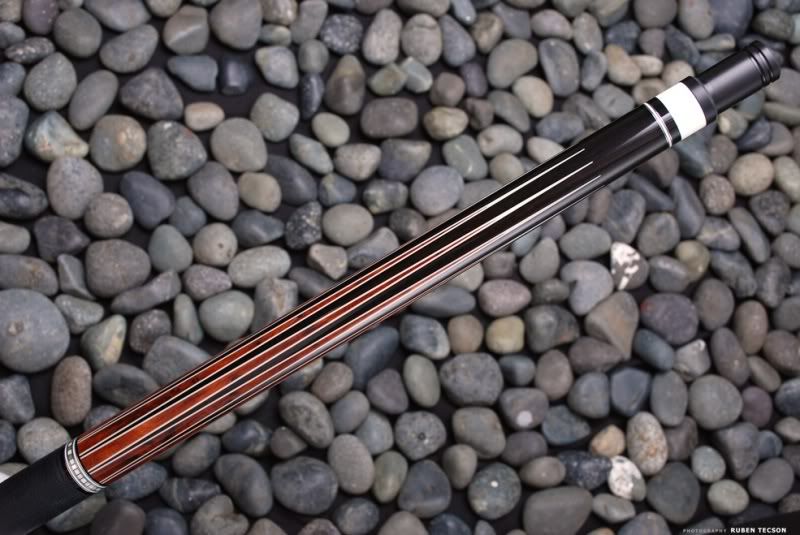
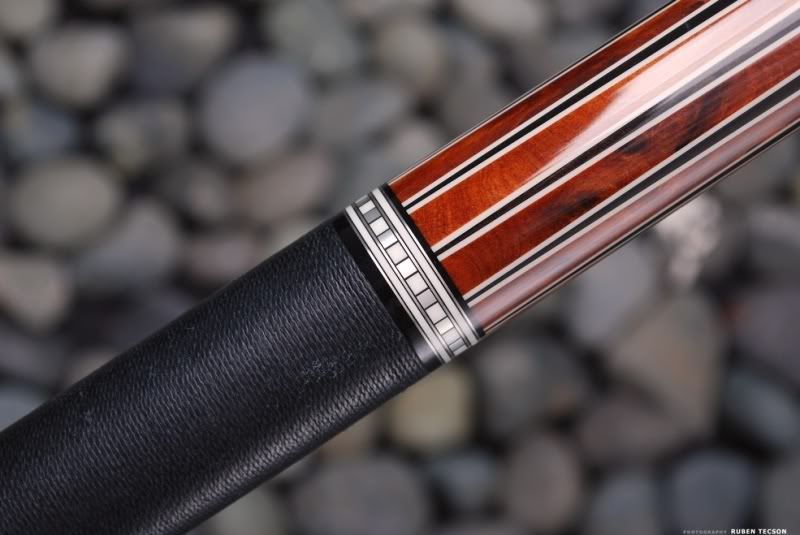
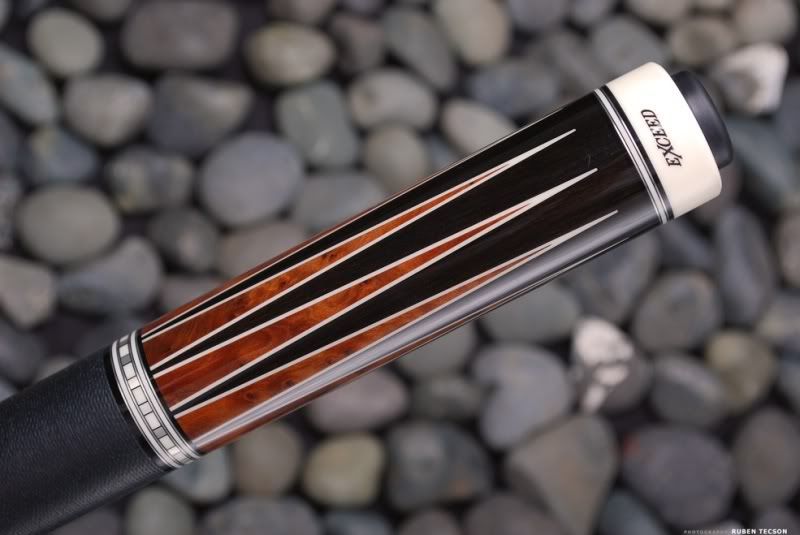
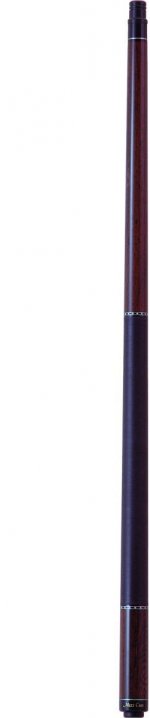



here's a picture of mine. it's not real pretty but it's been battle tested and never let me down.




wow val really really nice cue thats effing great how much did you spend on that one?
Hi Alex,
This cue was my first buy on AZ. This transaction increased my trust in AZers.
The price is not important (no really, it matters a lot, but this cue is "state of the art" for me). The cue worth it.
Frankly speaking, this Exceed captured me from the very first glance. I can only hope that my game will be good enough one day to match this cue.
Hi Sarah,
you can first save the pics on your pc. Then when you "Post Reply", you'll see "Manage Attachments" under the "Submit Reply". You click it to open , you'll see a box popped-up, you click on the "Browse" to select the pic you want to post on your PC, then click the "upload" to post it. If you want to post more than one, just click on the "Browse + upload" again!
Hope it helps!
you can first save the pics on your pc. Then when you "Post Reply", you'll see "Manage Attachments" under the "Submit Reply". You click it to open , you'll see a box popped-up, you click on the "Browse" to select the pic you want to post on your PC, then click the "upload" to post it. If you want to post more than one, just click on the "Browse + upload" again!
Hope it helps!
