

You are using an out of date browser. It may not display this or other websites correctly.
You should upgrade or use an alternative browser.
You should upgrade or use an alternative browser.
Mach 3 "hidden secrets"
- Thread starter brianna187
- Start date

Don't keep us waiting, please do tell . . .
Mr H
You can see the inlays in a cylinder/rod in simulation before cutting , I think.


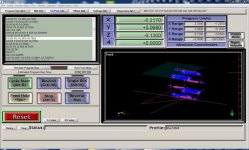
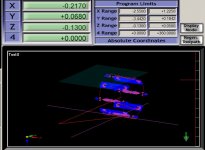
Correctly displaying the 4th axis is not all that hard. What you want to do is under the "config" pull down menu choose toolpath. Then select under rotations A-Rotations Enabled. Under Mach3's setting tab or alt-6 set the diameter of the part for the A axis in the top right corner Called Rotation diameter so that Mach can display correctly. Now regenerate your tool path. If A axis is used and your setup is correct it will display. I use this as a good way to see if my spacing is correct. It will also show if any major errors are there.
good luck.
Jim.
good luck.
Jim.
thanks jim for finding this it the nuts

Correctly displaying the 4th axis is not all that hard. What you want to do is under the "config" pull down menu choose toolpath. Then select under rotations A-Rotations Enabled. Under Mach3's setting tab or alt-6 set the diameter of the part for the A axis in the top right corner Called Rotation diameter so that Mach can display correctly. Now regenerate your tool path. If A axis is used and your setup is correct it will display. I use this as a good way to see if my spacing is correct. It will also show if any major errors are there.
good luck.
Jim.
Very nice, thank you.
Mr H